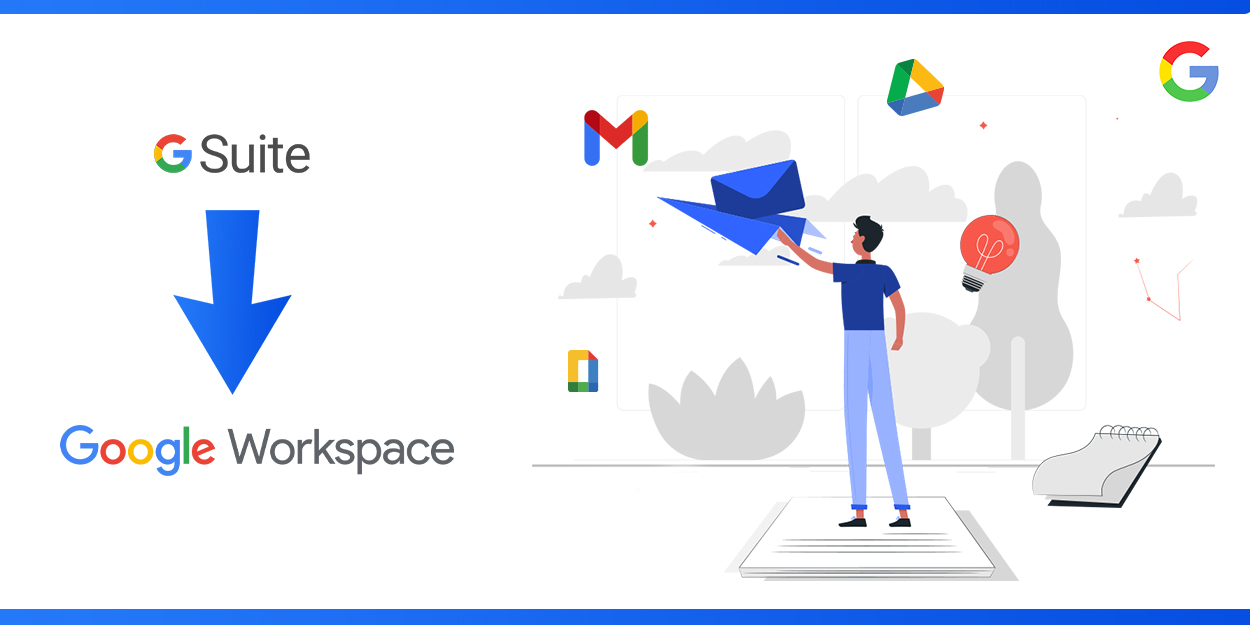
Any transformation happening in the online era is done with the motive of development. There is no going back to lowering the standards in the online trend. One such transformation was made by Google, which significantly rebranded its suite of business tools from G Suite to Google Workspace. It’s not just about changing the name and logo. Instead, it reflects Google’s vision of a more integrated and collaborative future for its productivity tools. It’s been more than four years since Google announced this transformation, and according to its strategy, the plan, and the destination for which it got rebranded, it is doing wonders among businesses. To understand why this transformation happened and learn about the new changes we’re using, let’s delve into each section and learn more about G Suite and Google Workspace and how they benefit businesses.
What is G Suite?
G Suite was first introduced on August 28, 2006, under the name “Google Apps for Your Domain.” Initially, Google Suite included Gmail, Google Calendar, Google Talk, and Google Page Creator. These cloud-based services were created with the vision of helping businesses, educational institutions, and other organizations work collaboratively using their own custom domain names. Over the years, these cloud-based tools were perfected and integrated more. In 2016, they were rebranded as G Suite. This version came with expanded features like Gmail, Google Drive, Google Docs, Google Sheets, Google Slides, Google Meet, Google Chat, Google Calendar, and more integrated tools. Along with G Suite, Google introduced more advanced collaboration features and enhanced security. Through this, Google envisioned providing an integrated and collaborative workspace to improve productivity and smooth business operations.
From G Suite to Google Workspace
G Suite actually had many beneficial tools. So why did Google rebrand it to Google Workspace? This move, made by Google on October 6, 2020, brought more added benefits and features. The term “Workspace” itself suggests a perfect collection of tools for teams to work collaboratively and effectively, maintaining flawless operations. Now, let’s explore what Google Workspace is all about and how it is more advantageous compared to the former G Suite features to see if Google made a wise decision in rebranding from G Suite to Google Workspace.
What is Google Workspace?
Google Workspace (formerly G Suite) is a comprehensive suite of productivity tools Google provides. It includes email hosting, cloud storage, document collaboration, and more. These tools allow users to share the workspace and work collaboratively through effective communication. These communication and productivity apps are great for startups, businesses, enterprises, and organizations.
What’s new in Google Workspace?
Google Workspace has the same features as G Suite but with an enhanced version. Here’s what makes it stand out:
1) Enhanced Security Features: Google has added some exclusive security features in Google Workspace, including enhanced data protection, security, and more. Let’s take a quick look at how Google Workspace has upgraded features compared to G Suite. Some of these features include:
- Security remains the utmost priority for any online service. The security features in G Suite were already impressive and standardized. Google has now introduced even more exciting security protocols, such as two-step authentication, Data Loss Prevention (DLP), and enhanced threat detection tools.
- The Data Loss Prevention (DLP) feature, in particular, makes the protection process much easier and more reliable. It includes a set of tools and policies that help businesses identify their sensitive data and prevent it from being lost or accessed without authorization.
- The Business collaboration tools in Google Workspace are more secure and flexible. Google has enhanced team communication and data sharing more protective with built-in security features in Google Meet, Google Drive, and Google Docs.
2) Advanced Communication: Communication is essential in team collaboration, leading to increased business productivity. Google Workspace has made communication more reliable and flexible through most of its tools. Let’s see how communication in Google Workspace works:
- In G Suite, tools like Gmail, Google Docs, Google Sheets, and Google Calendar were already designed to help people work together and communicate. Google Workspace has improved these features even more by making the integration between these tools smoother and more connected. For instance, you can kick off a Google Meet video call right from a Calendar event or an email in Gmail. In G suite hosting These upgrades make it super easy without having to jump between different apps.
- More importantly, Google Workspace has induced the commenting features in Google Docs and Google Sheets. This real-time feedback allows for immediate corrections and alterations, eliminating the need to schedule separate times for making changes. This maintains the collaborative nature of the team and reduces time wastage.
- These communication enhancements have helped millions of individuals and businesses stay connected through their work. Often, this even reduces the need for an office setup, benefiting those who want to start a business but lack resources. With just a network connection, Google Workspace brings everything under a single roof, making life much easier.
3) Unified Interface: The integration in Google Workspace, as mentioned in the advanced communication section, has made the user interface much easier to use. This simple and easy interface is one of the main reasons it is used by about three billion users globally.
- The icons of various tools in Google Workspace are simple, making it easy for anyone to get started. This user-friendly interface is manageable even for individuals with less technical expertise.
- While many software upgrades can make tasks more complex, Google Workspace’s interface has made these upgrades more reliable and simpler to use.
- All these features ensure that Google Workspace is a diverse online platform that works on reducing work complexity by incorporating more technical tools and promoting long-term success for businesses.
- Google Workspace ensures that its interface is easy to use and highly secure by implementing strong password systems and authentication methods. This makes the Google Workspace interface more unified and trustworthy for all users.
Beyond these, several additional features and advantages are available in Google Workspace. This integrated and enhanced version of Google tools simplifies tasks and empowers individuals with business dreams to kickstart their ventures confidently. The transition from G Suite to Google Workspace by Google has brought numerous benefits. While Google Workspace is packed with benefits, sometimes the experience can depend on the hosting providers. So, start your Google Workspace journey with the right provider who can maximize your productivity at more affordable prices and offer all the benefits of Google Workspace.