
Choosing the right web host is not as simple as it may seem at first. With so many different options to choose from, choosing the wrong one can hurt your site’s performance, speed, and security. Here is a comprehensive guide that covers all types of web hosting in detail. You will get pros, cons, and distinct features of each so you can confidently pick the perfect home for your website.
What is Web Hosting?
Web hosting is the service where all your website’s files live. If your domain name (e.g., www.ewallhost.com) is your home address, web hosting is the actual house where your website lives. In technical terms, web hosting is an online storage service that houses all the data that makes up a website, which includes files, images, videos, and code.
Web hosting provides the service using specialized computers called servers. They provide the necessary internet connection and keep your site running smoothly inside secure data centers. This ensures that anyone can access your website at any time. By purchasing the hosting service from a web hosting company, you don’t have to buy expensive equipment or worry about keeping a server running.
The 5 Main Types of Web Hosting
There are five primary types of hosting, each designed for different needs. Some options are highly affordable and perfect for small websites, but they offer limited control. While others are premium with more technical control and built for massive traffic. Let’s explore how each type works and which is best for you.
Shared Hosting
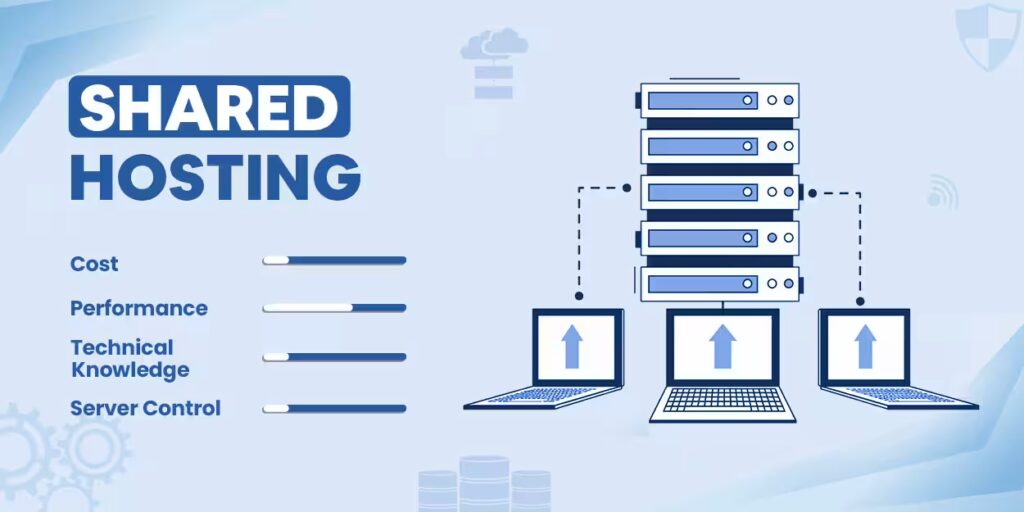
Shared Hosting is like renting a single room in a large, shared apartment.
In shared hosting, multiple websites are hosted on a single server. These websites share the memory (RAM), processing power (CPU), and storage. Because the server’s operational costs are split among multiple users, it is the most affordable web hosting option on the market.
Best For: Small blogs, personal portfolios, and all types of websites expecting low-to-moderate daily traffic.
The Pros
- Affordability: Because the operational expenses are shared among multiple users, shared hosting is the most cost-effective hosting option.
- Easy Management: In addition to server configuration and maintenance, hosting providers offer user-friendly control panels, such as cPanel. It enables users to focus on their website.
- Quick Setup: Shared hosting often comes with a user-friendly control panel and 1-click installations of popular services like WordPress. This allows you to get your website online in minutes.
- Tech Support: Since shared hosting caters to beginners, technical support is readily available. Technical support helps to troubleshoot common problems that may arise during setup and maintenance.
The Cons
- Low Resource Capacity: Since server resources are shared, a massive traffic spike on a website hosted on your shared server can cause your website to slow down.
- Limited Server Control: Because you have limited access to the server, you cannot customize server backend settings, modify configurations, or install software applications not supported by the host.
- Potential Security Risks: A malware infection or security breach on a website on the same server can sometimes affect your site’s safety and reputation. It should be noted that hosting providers implement safety measures to minimize security risk.
- Limited scalability: You will run out of server resources the moment your website starts receiving massive traffic.
VPS Hosting
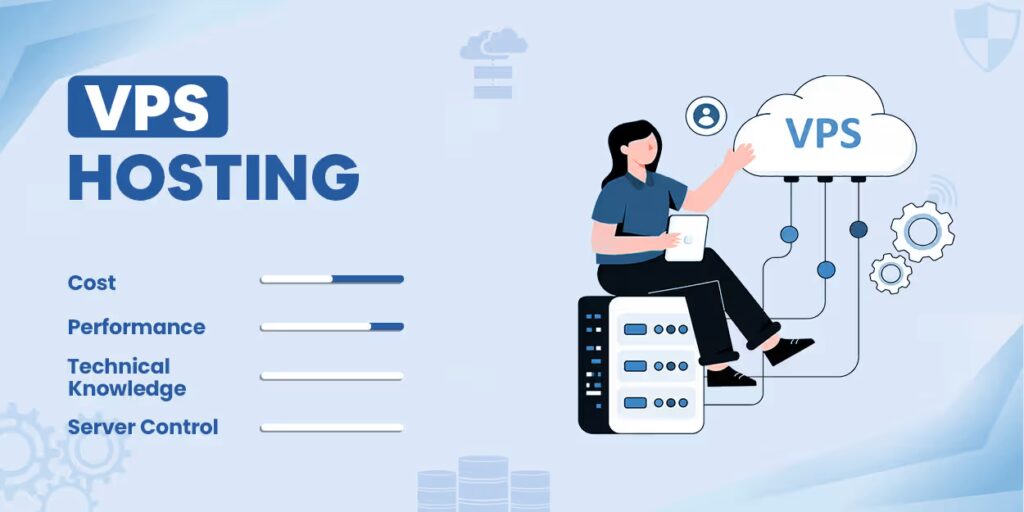
If shared hosting is like living in a shared apartment, VPS hosting is like owning a condo inside a larger residential building complex.
In VPS Hosting, a single physical server is partitioned into several isolated environments using virtualization technology. By allocating resources such as memory, CPU, and storage, it bridges the gap between shared hosting and dedicated servers.
Best For: Large blogs, online forums, e-commerce websites, and any website with large traffic.
The Pros
- Guaranteed Performance: With resources strictly walled off, massive traffic spikes or security issues from a website on a partition will not affect websites in other partitions.
- Root Access: With full root access, you have the freedom to configure the server environment, changing backend settings and installing all types of applications needed for your website.
- Highly Scalable: Most hosting providers offer the option to increase the amount of memory (RAM) and storage space. This allows you to upgrade your server when your website starts receiving more traffic.
- Enhanced Security: Because each virtual server operates independently, malware or a security incident on another site on the same machine will not affect yours.
The Cons
- Higher Cost: With more dedicated power and resources, VPS hosting usually comes with a higher price tag than shared hosting.
- Technical Expertise: Managing a VPS requires a solid understanding of server administration. This makes it difficult for beginners to do. It should be noted that some providers offer Managed VPS Hosting.
Dedicated Hosting
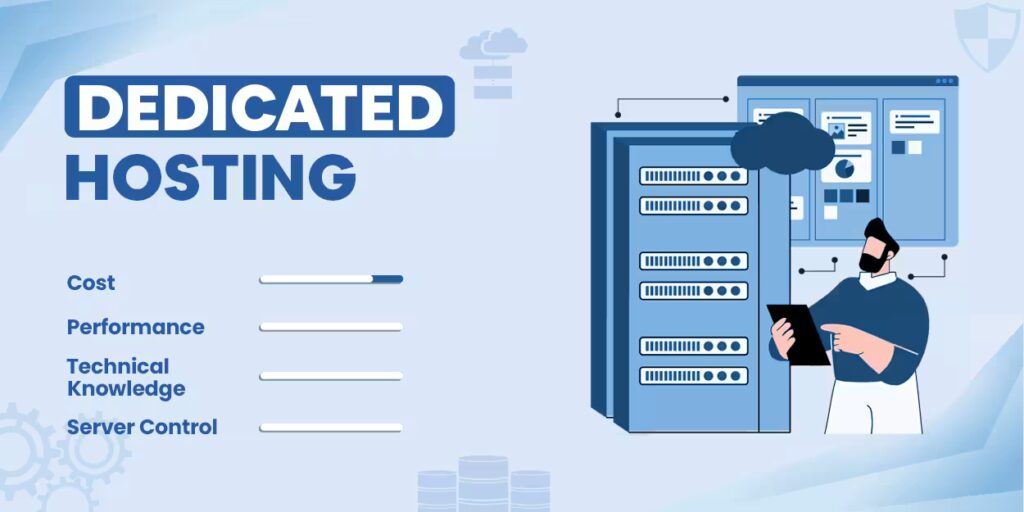
If VPS is a condo in an apartment complex, Dedicated Hosting is owning a private, standalone mansion.
Dedicated hosting comes with high speed and performance. The entire physical server and all of its computational power belong exclusively to your websites. You don’t share server resources with others.
Best For: Enterprise-level businesses, massive e-commerce platforms with thousands of products, financial sites, and any websites with massive, constant streams of daily traffic.
The Pros
- Excellent Performance: With all the server’s resources dedicated to you, your website’s performance will remain reliable even during heavy traffic spikes.
- Full Admin Control: With full root access, you get complete freedom to customize your server environment. You can deep backend configurations, run heavy applications, and install a specialized operating system.
- Enhanced Security: In dedicated servers, there is virtually no risk of cross-site contamination or interference, thanks to the complete isolation of physical hardware.
- Guaranteed Resource Availability: There is no resource sharing, which helps your website to remain perfectly stable and reliable 24/7.
The Cons
- Premium Pricing: Dedicated servers are typically much more expensive than shared hosting or VPS. The expense can be significant for small businesses and personal websites.
- Advanced Technical Expertise: Setting up and managing a dedicated server requires deep server administration knowledge. Some providers offer Managed Dedicated Server Hosting, which costs more.
- Scaling Obstacles: When your website outgrows the resources offered by a dedicated server, you can’t simply click a button to increase capacity. Instead, engineers need to manually install RAM or hard drives into the server, which causes downtime.
- Risk of Hardware Failure: Your website relies on a single physical server. So, any hardware malfunction can take it offline. Data loss can be minimized with frequent backups.
Cloud Hosting
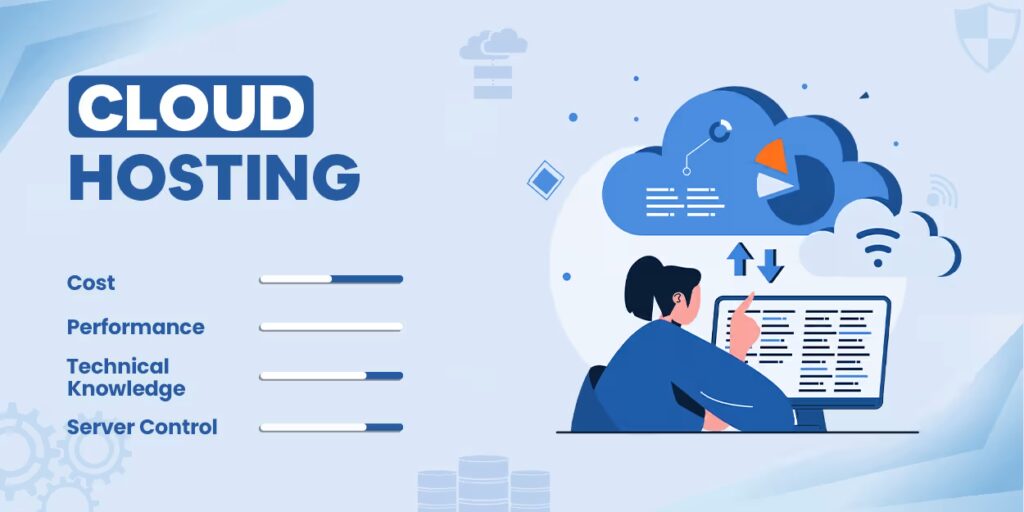
Cloud Hosting is like a global network of hotels. Instead of renting a single building, you have access to an entire system of interconnected spaces.
A website hosted on cloud hosting doesn’t depend on a single physical server. Instead, it uses computing resources from a network of connected virtual and physical servers. If one server fails, another server immediately takes its place and keeps the website running.
Best For: Large e-commerce websites, fast-growing startups, large corporations, and any website that has highly unpredictable traffic spikes.
The Pros
- Instant Scalability: You can handle sudden traffic surges by scaling the CPU, RAM, and storage with a single click. Unlike dedicated servers, you won’t have any downtime.
- Near Zero Downtime: Your website enjoys robust redundancy because its files reside on multiple servers. If one server goes down, another one takes over, minimizing the risk of crashing and downtime.
- Consistent Performance: The dynamic distribution of resources through cloud hosting helps to ensure stable performance for your website, even during periods of high traffic.
- Flexible Pricing: Most hosting providers charge only for the resources you actually use.
The Cons
- Unpredictable Cost: An unexpected increase in traffic may cause resource consumption to rise and your monthly bill to skyrocket. This is one of the disadvantages of the pay-as-you-go model.
- High Complexity: Maintaining a cloud infrastructure is significantly more complex than traditional hosting. Things such as firewall configuration, data routing, and monitoring of resource allocation require a significant level of technical expertise.
- High Entry Price: The reliability and performance of cloud hosting comes with a higher price point. This makes it overkill for small websites with low traffic.
Colocation Hosting
Colocation hosting is like building a custom house on your own plot inside a guarded gated community.
In colocation hosting, you provide all the hardware components, such as physical servers, hard drives, and other equipment, to the data centre. The hosting provider will provide you with a slot in their server rack. The provider will also ensure continuous electricity supply, powerful cooling systems, internet connectivity, and on-site physical security. Everything from setup to configuration to maintenance is your responsibility.
Best For: Large-scale enterprises, financial institutions, government agencies, or any company with specific hardware requirements or strict compliance needs.
The Pros
- Hardware Autonomy: Because you provide your own server, you have complete control over the type and specifications of the machine. You can optimise the hardware for your workloads by choosing specific CPU types, RAM, and storage drives.
- Security and Compliance: Companies from sectors such as finance, defense, and healthcare can use colocation hosting services to meet strict regulatory requirements.
- Software Flexibility: Because you have unrestricted access to the server hardware, you can install niche operating systems, change the network routing, and customize the backend to meet your needs.
The Cons
- Capital Expenditures: Because of the need to purchase hardware, colocation hosting requires a massive upfront cost. In addition to the ongoing costs for data center space and electricity, it is more expensive than regular hosting.
- Maintenance and Expertise: When there is a hardware issue, you usually have to send your own engineers or hire a remote hand to fix it.
- Manual Scaling: If your website grows beyond the capacity of your server, scaling up can be a slow process. You need to purchase and ship the hardware to the data center and manually upgrade it.
Many beginners choose hosting based on price alone, which is a mistake. Choosing the cheapest plan can lead to slow page loading, downtime, and poor performance. On the other hand, choosing a VPS or dedicated server for a small website would be overkill.
Quick Reference: Which Hosting Type Is Right for You?
Many beginners choose hosting based on price alone, which is a mistake. Choosing the cheapest plan can lead to slow page loading, downtime, and poor performance. On the other hand, choosing a VPS or dedicated server for a small website would be overkill.
| Hosting Type | Best For | Budget | Tech Skill Required |
| Shared Hosting | Brand-new bloggers, personal portfolios, and small local businesses. | Low ($) | None (Plug & Play) |
| VPS Hosting | Growing sites, online communities, and medium e-commerce shops. | Moderate ($$) | Low to Medium |
| Cloud Hosting | Fast-growing startups, heavy-traffic sites, and seasonal businesses. | Variable ($$-$$$) | Medium to High |
| Dedicated Hosting | Enterprise websites, large online stores, and high-security platforms. | High ($$$$) | High (or Managed) |
| Colocation Hosting | Corporate IT teams needing total control over physical hardware. | Maximum ($$$$$) | Expert Only |